


مكبر صوت ساوند بار ياماها مع مضخم صوت مدمج Yamaha SR-B20A ثلاثي الأبعاد
YAMAHA
0
1,039.601,039.60
مكبر صوت ساوند بار ياماها مع مضخم صوت مدمج Yamaha SR-B20A: تجربة صوتية ثلاثية الأبعاد مع مضخمات صوت مدمجةوصف المنتج: إذا كنت تبحث عن تحسين تجربة الصوت...
المزيد
مكبر صوت ساوند بار ياماها مع مضخم صوت مدمج Yamaha SR-B20A: تجربة صوتية ثلاثية الأبعاد مع مضخمات صوت مدمجة
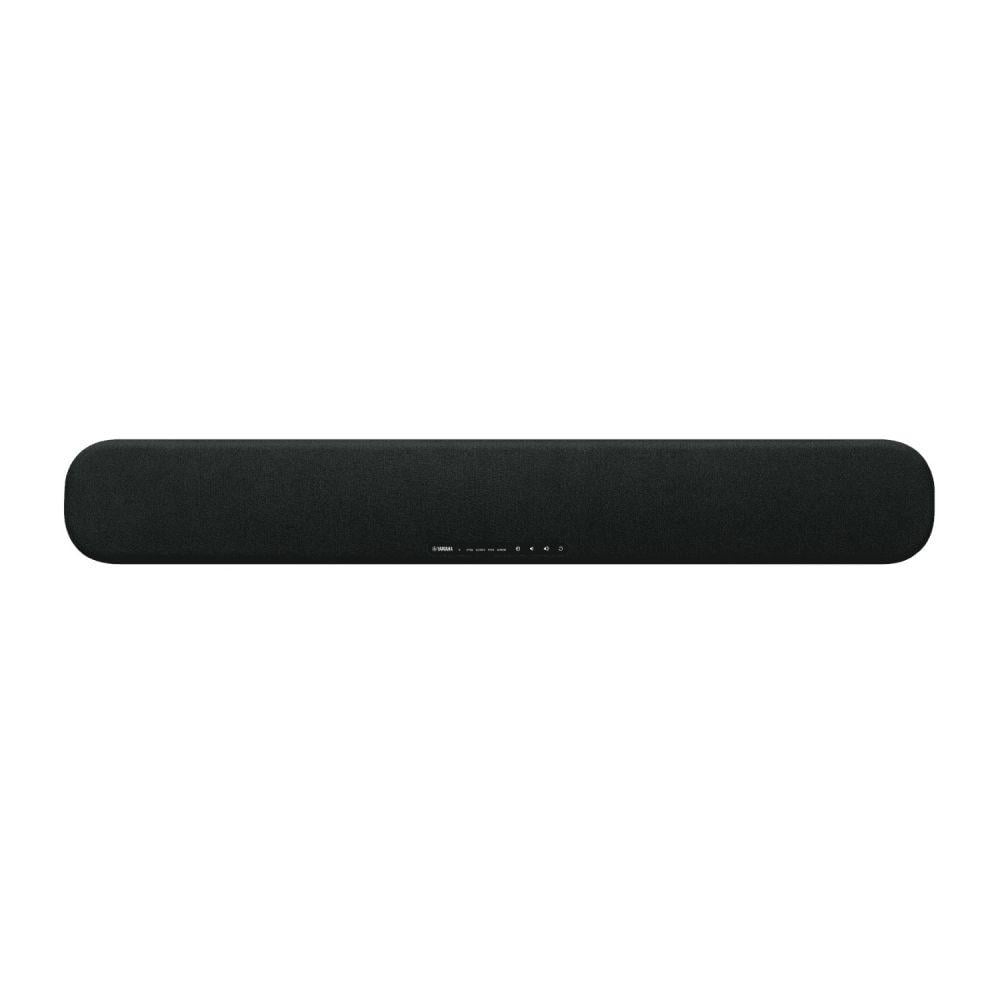
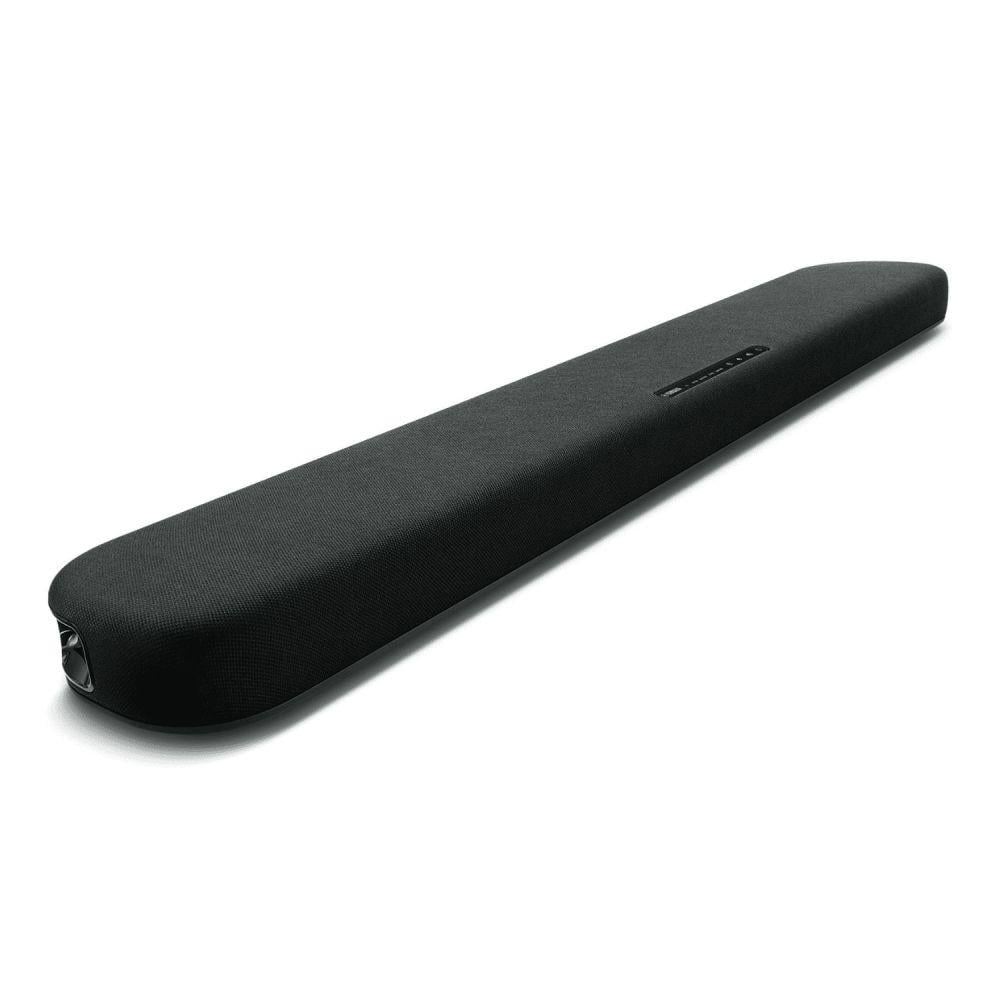
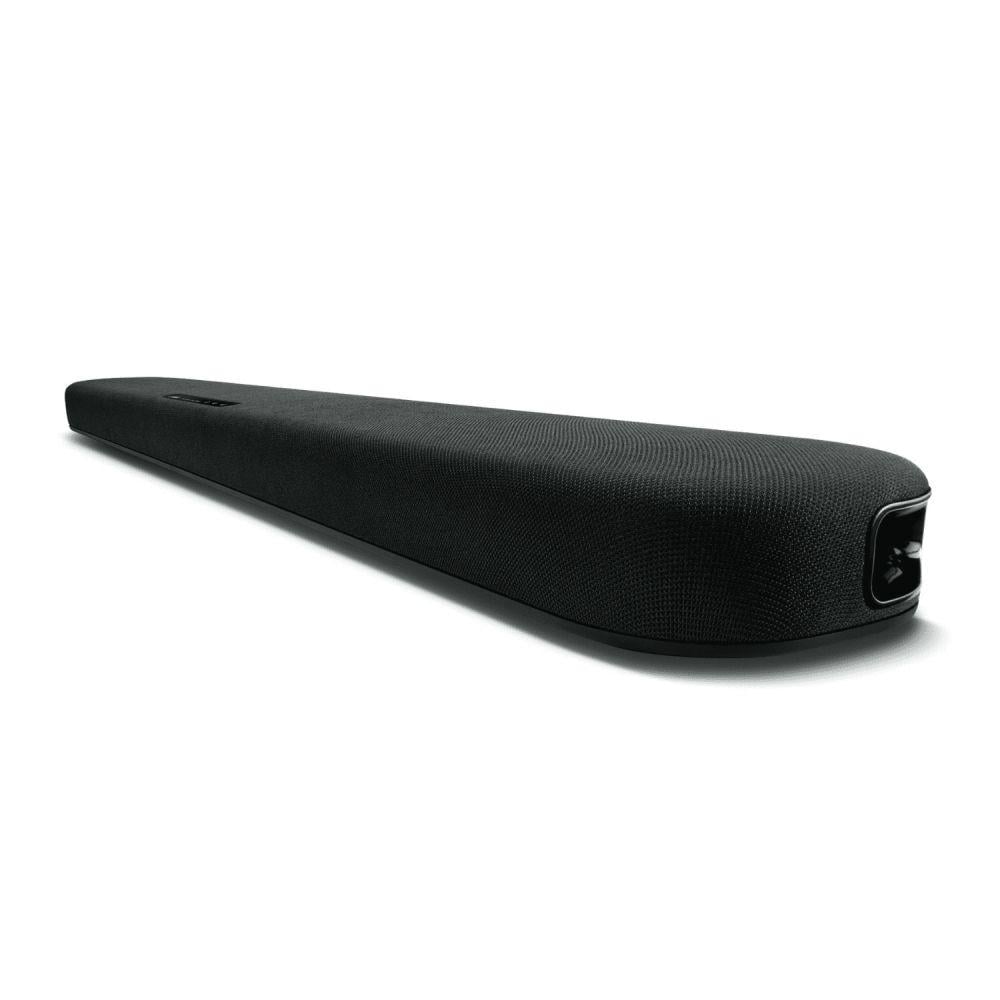
وصف المنتج: إذا كنت تبحث عن تحسين تجربة الصوت في منزلك، فإن مكبر الصوت Yamaha SR-B20A يوفر لك تجربة سمعية غامرة بفضل تقنيات الصوت المحيطي الافتراضي ثلاثي الأبعاد ومضخمات الصوت المدمجة. تصميم سماعات ساوند بار النحيف يجعل من السهل وضعه أمام التلفاز أو تثبيته على الحائط، ويضمن لك صوتًا عميقًا ووضوحًا فائقًا للحوار، مما يجعله خيارًا مثاليًا للترفيه المنزلي.
المواصفات التقنية ساوند بار:
- المشغلات : Front L/R: مخروط 5.5 سم (2-1/8") × 2
- Tweeter: قبة 2.5 سم (1") × 2
- مضخم الصوت المدمج: مخروط 7.5 سم (3") × 2
- قوة الإخراج : 120 واط (30 واط × 2 لقنوات اليسار/اليمين، 60 واط لمضخم الصوت المدمج)
- استهلاك الطاقة: تشغيل: 25 واط
- وضع الاستعداد: 0.2 واط (عند إيقاف HDMI والتحكم بالبلوتوث)، 0.5 واط (عند تشغيل HDMI والتحكم بالبلوتوث)
- الأبعاد:تثبيت أمام التلفاز: 910 × 53 × 131 مم (35-7/8" × 2-1/8" × 5-1/8") تثبيت على الحائط: 910 × 131 × 62 مم (35-7/8" × 5-1/8" × 2-1/2")
- الوزن: 3.2 كجم (7.1 رطل)
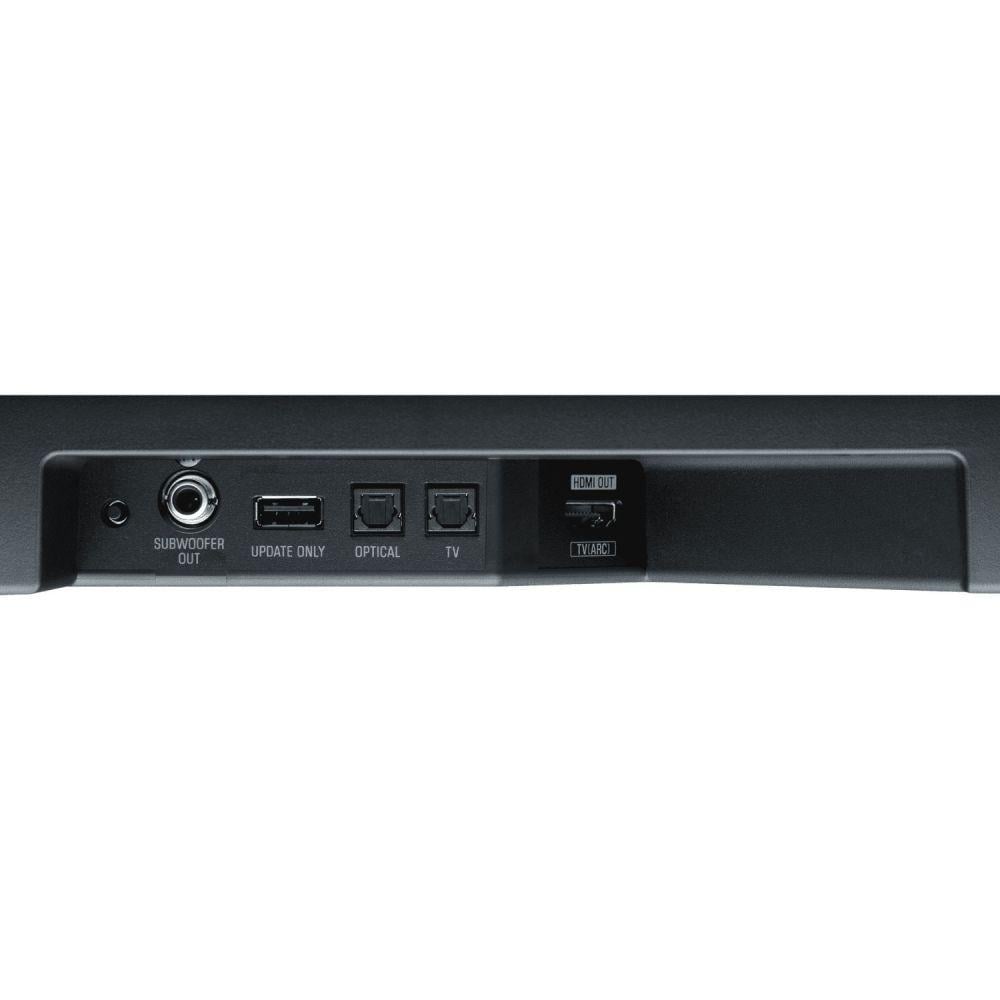
- مدخلات/مخرجات: HDMI: 1 مخرج (ARC TV)
- مدخل بصري رقمي: 2
- خرج مضخم الصوت: نعم
- صوت تناظري: لا
- تقنيات الصوت : تقنية الصوت المحيطي الافتراضي DTS® Virtual™: نعم
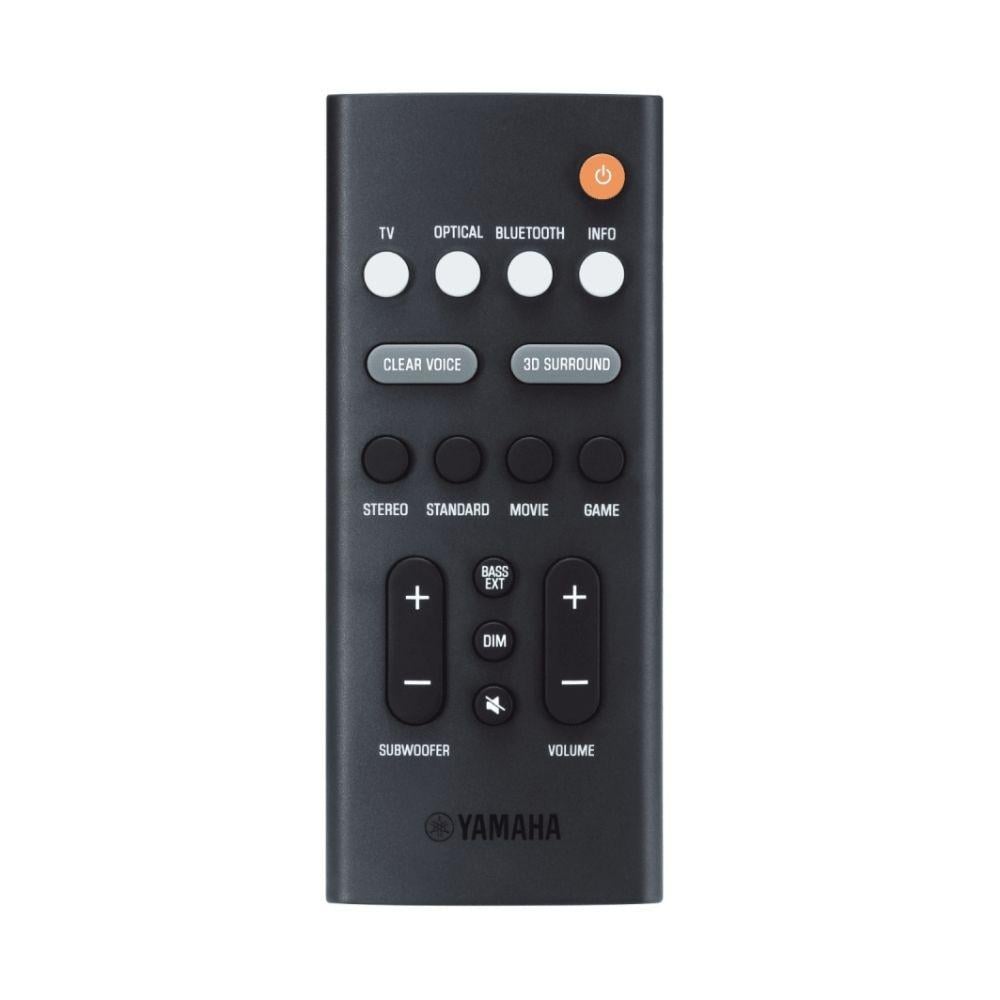
- وضعي الصوت: ستيريو، قياسي، فيلم، لعبة
- تعزيز الموسيقى المضغوطة: نعم (للاستخدام عبر البلوتوث)
- تمديد الباس: نعم
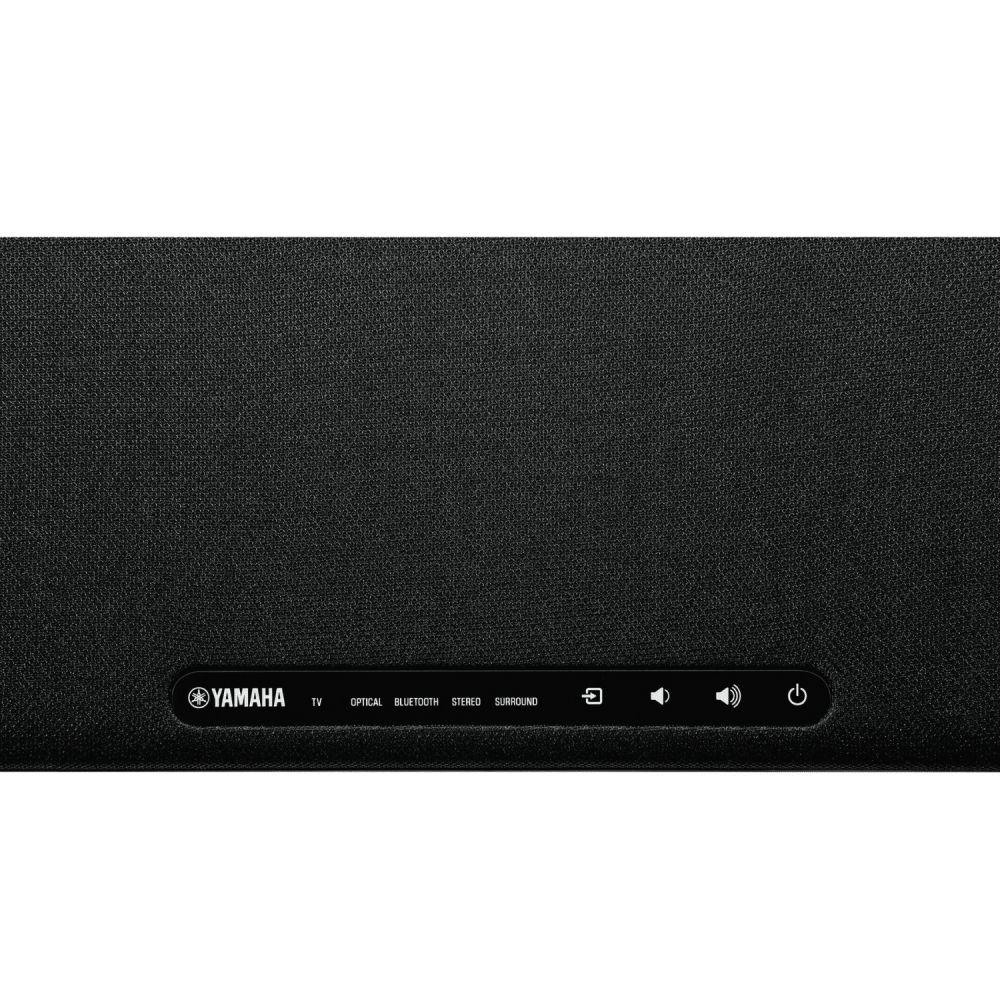
- التوصيل والاتصال البلوتوث: الإصدار 5.0، نطاق الاتصال الأقصى: حوالي 33 قدمًا، ملفات تعريف A2DP، ترميز SBC وAAC
- Wi-Fi: لا
- AirPlay: لا
- الميزات الأخرى Sound Bar:
- تحكم عبر التطبيق: نعم (تطبيق التحكم بالشريط الصوتي)
- وظيفة التعلم: لا
مميزات سواند بار ياماها :
- صوت ثلاثي الأبعاد افتراضي: تقنية DTS Virtualتوفر تجربة صوتية غامرة تأخذك إلى عالم صوتي محيطي من جميع الاتجاهات.
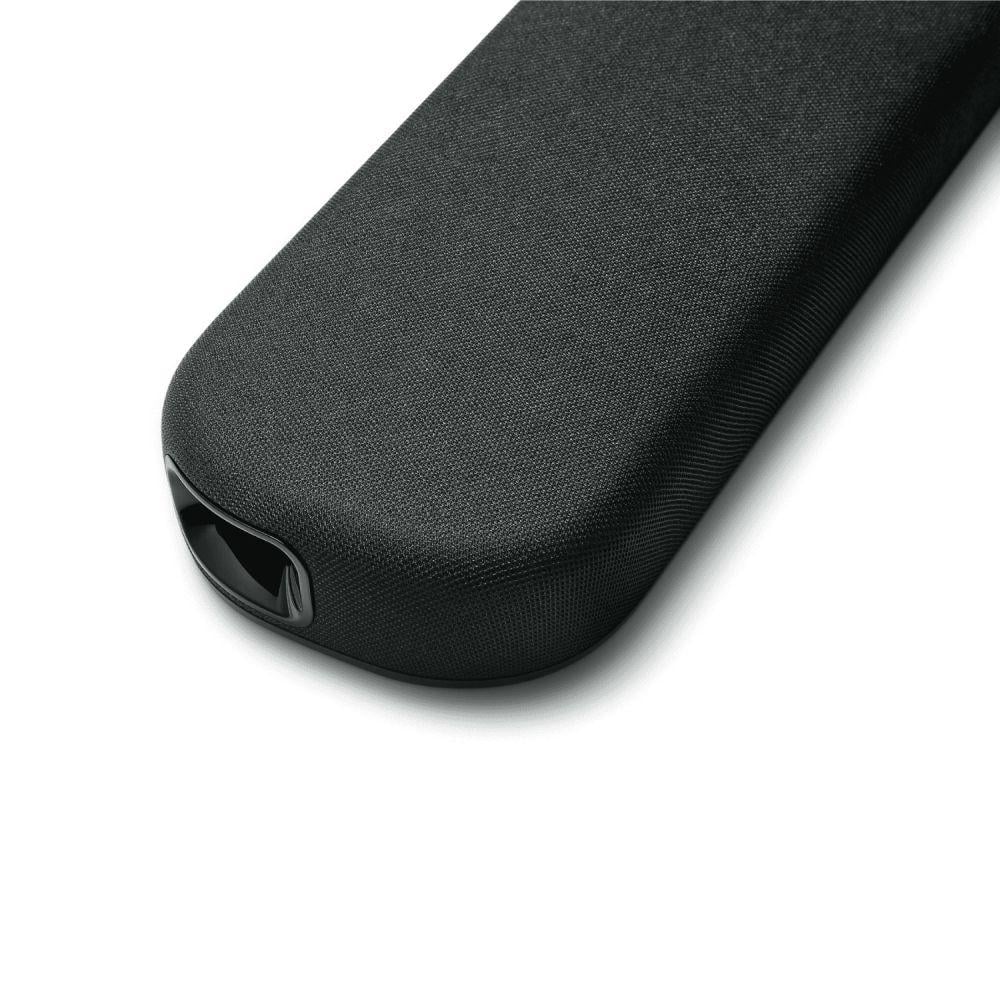
- مضخمات صوت مدمجة: توفر مضخمات الصوت المدمجة مع منافذ الانعكاس الجانبي باسي صوتًا عميقًا ورحبا.
- وضوح الحوار: تقنية Clear Voice تجعل الحوار أكثر وضوحًا حتى في الأفلام والبرامج التي تحتوي على خلفيات صوتية قوية.
- سهولة التركيب والاستخدام: يأتي مع خيارات تثبيت سهلة على الحائط وتوصيل بسيط عبر HDMI، بالإضافة إلى التحكم عبر البلوتوث والتطبيقات.
نصائح لاستخدام المنتج بشكل فعال:
- تثبيت الشريط الصوتي: استخدم التجهيزات المرفقة لتثبيت الشريط على الحائط أو وضعه أمام التلفاز لضمان أفضل تجربة صوتية.
- توصيل الأجهزة: استخدم مدخل HDMI لتوصيل الشريط بالتلفاز واستفادة من ميزة ARC لتبسيط التحكم.
- الاستفادة من البلوتوث: قم بربط الشريط بأي جهاز بلوتوث للاستماع إلى الموسيقى والبودكاست بشكل سلس.
أسباب اختيار هذا المنتج على غيره:
- تجربة صوتية ثلاثية الأبعاد: توفر تقنية DTS Virtualتجربة صوتية غامرة لا تحصل عليها عادةً من مكبرات الصوت التلفزيونية.
- تصميم نحيف مع أداء قوي: يجمع بين التصميم النحيف والصوت العميق بفضل مضخمات الصوت المدمجة.
- سهولة التحكم والتوصيل: خيارات متعددة للتحكم والتوصيل بما في ذلك البلوتوث والتحكم عبر التطبيق، مما يسهل تجربة الاستخدام.